At this time, TrainingPeaks (and also Garmin Connect) are not accepting new connections. We are working on this and might be able to sync TrainingPeaks in the future.
To import your TrainingPeaks workout into Vieta, you will need to download your workout in ZWO format from TrainingPeaks, then upload it to the "My Workouts" tab in your Vieta Dashboard. This is a straightforward process, but does take some pre-planning.
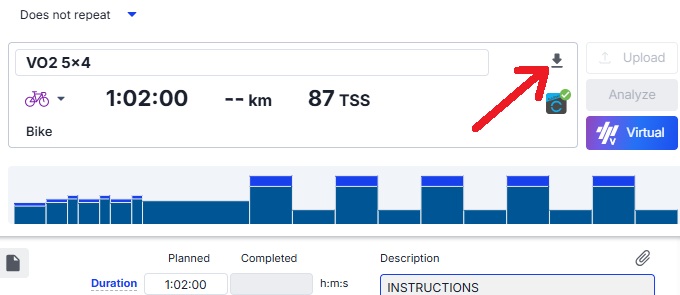
- Open your workout in TrainingPeaks, then tap the "Export" button.
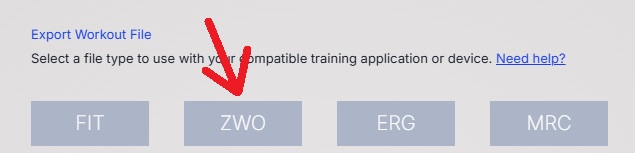
- Export your workout in ZWO format.
- Log into your Vieta Dashboard, select "My Workouts" from the left-side menu, then select the Upload a ZWO option.
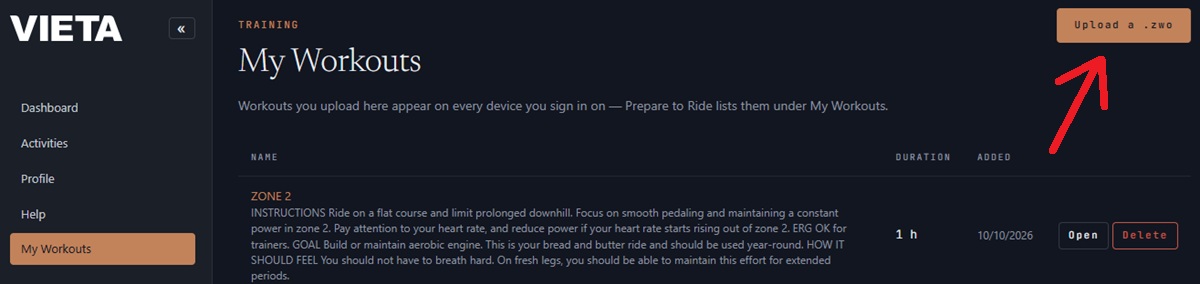
All your uploaded workouts will be stored here, and available in Vieta for you to add onto any ride that is longer than your planned workout length.
To add a workout to your ride:
-
Choose the rid you would like to use, then select Ride now.
-
Select the "Add Workout" option from the Ride Modes underneath your trainer connections.
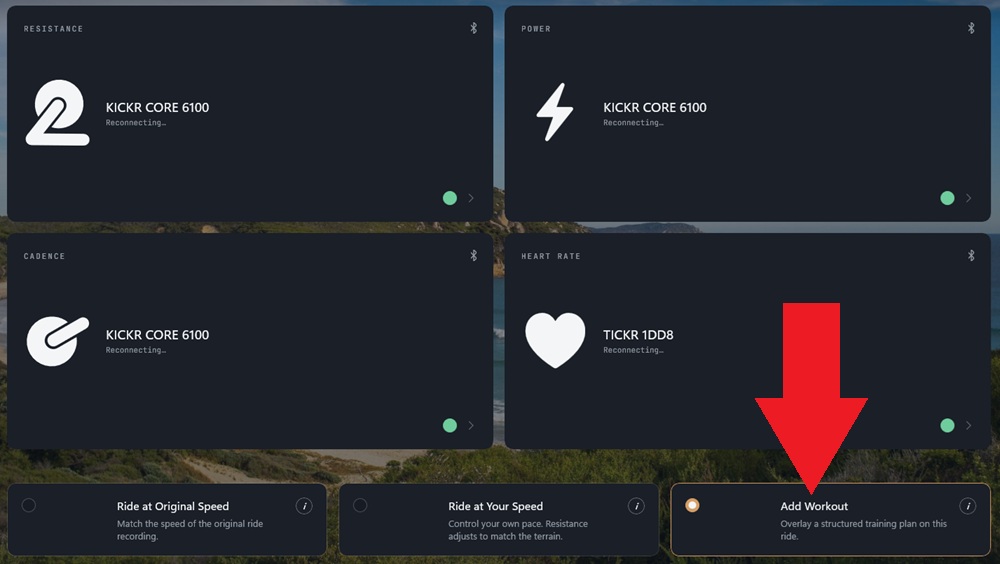
- All your uploaded workouts will be listed, select your workout and then start your ride!
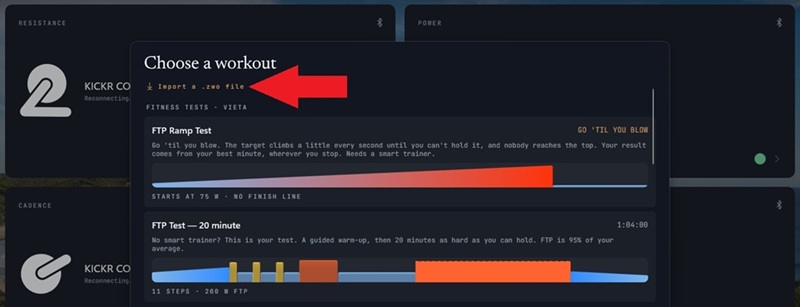
On Windows, you can also upload your ZWO from the "Add Workout" page by selecting to import your ZWO file directly.