If you select Ride at Your Speed you can also add a "ghost rider" to your ride.
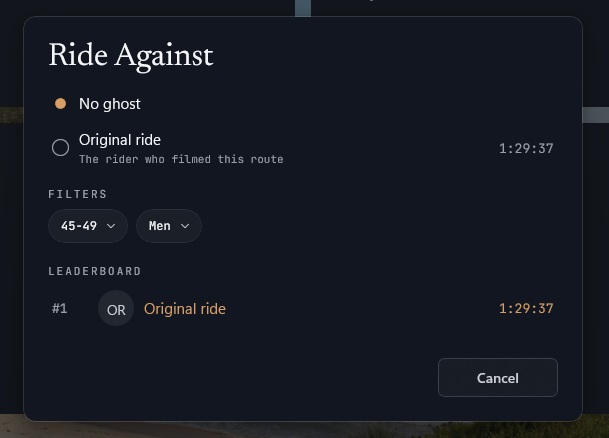
In the Ride at Your Speed box, select the Ride Against option. Each ride has the original rider's ghost loaded by default. Select a rider, start your ride, and see how you stack up!
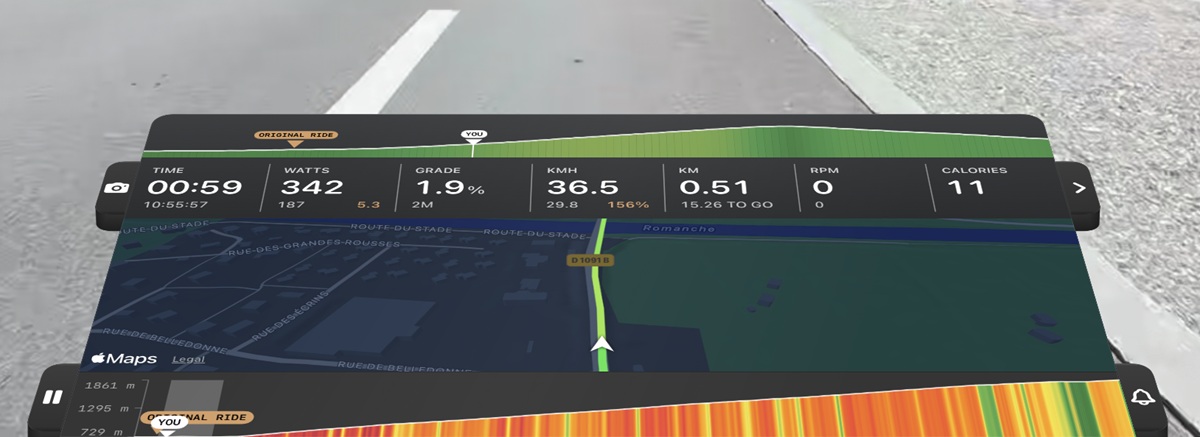
The position of the chosen rider will be shown on the elevation profile at the bottom of the HUD (if the graph is enabled) and also on the upcoming elevation profile at the top of the HUD if the rider is close by.
As more and more riders add their times, you'll have more choices to ride against.