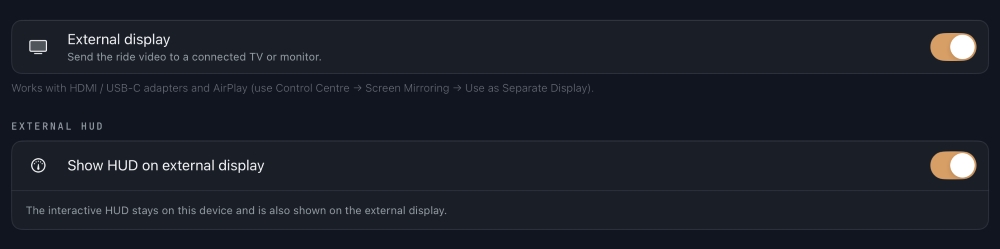
If you are using an external display via HDMI from your iPad or iPhone and either the TV is showing a "letterboxed" display with black bars either side, or the display is mirrored exactly (video on both screens) please adjust the following settings:
- Open your Vieta app's settings -> Display & Media menu.
- Select the External Display menu.
- Toggle ON both the External Display and also Show HUD on External Display options.