The FIT file can be emailed directly from Vieta after your ride (iOS, macOS, Windows) by tapping the "share" button next to the Finish Ride button before saving your ride. For Apple TV, the FIT file needs to be downloaded via the Vieta website.
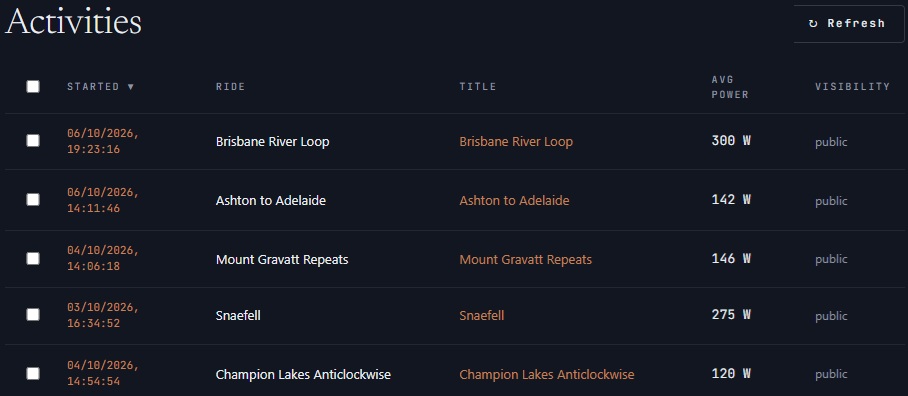
All of your FIT files are stored online and can be accessed via the Activities tab of your profile on the Vieta website.
To download your FIT file:
- Log into your Vieta user account at vieta.cc
- Navigate to the Activities tab on the left-side menu
- Select the ride (tap on the name) to view your data
- Select the DOWNLOAD FIT button
- Upload the file to your software of choice