Found a ride you love? Bookmark it so it's easy to find next time!
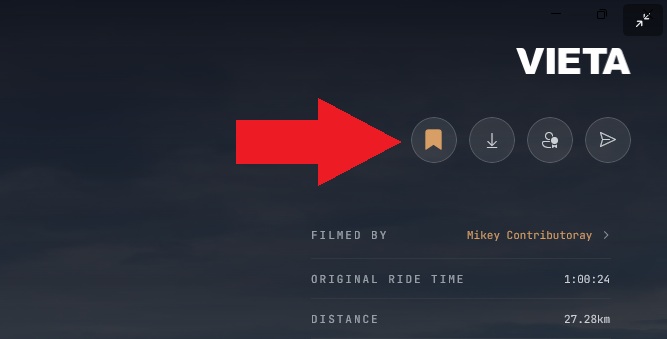
To bookmark a ride and save it to your favourites, tap the "bookmark" icon on the ride thumbnail or in the top right corner of the ride's preview page. When a ride has been added to your Favourites, the bookmark icon will change from an outline to fully coloured in.
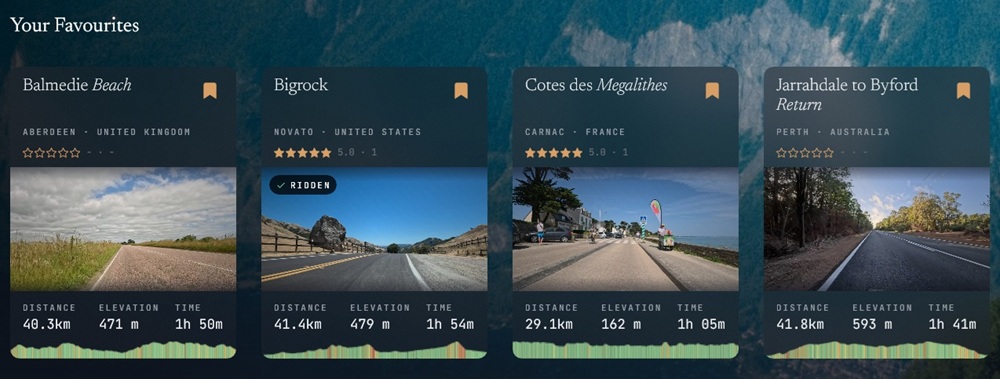
All of your bookmarked rides are displayed in alphabetical order on the Your Favourites row on the Hub page, underneath Community Favourites.
To remove a ride from your favourites, tap the bookmark again so that it is no longer coloured in.
All of your bookmarked rides are synced to your account. This means that they will be displayed on all the devices that you have Vieta installed on (logged in with the same account).
You can also add workouts to your favourites!
When viewing the workouts, tap the "bookmark" icon to add the workout as a favourite. Favourite workouts will be displayed in their own Saved Workouts row on the Hub page.