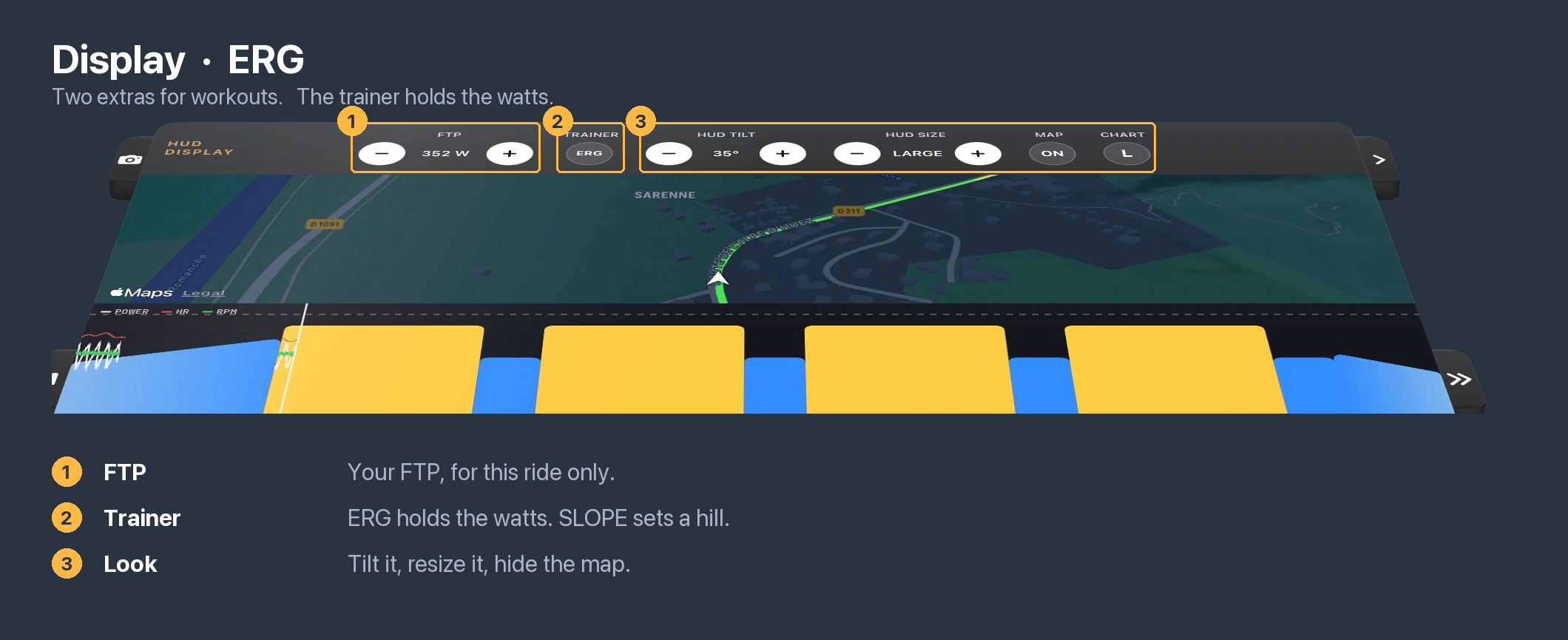
During a ride, the HUD is your central source of data. Everything is displayed within the HUD, including your ride metrics, the elevation profile, and the route map.
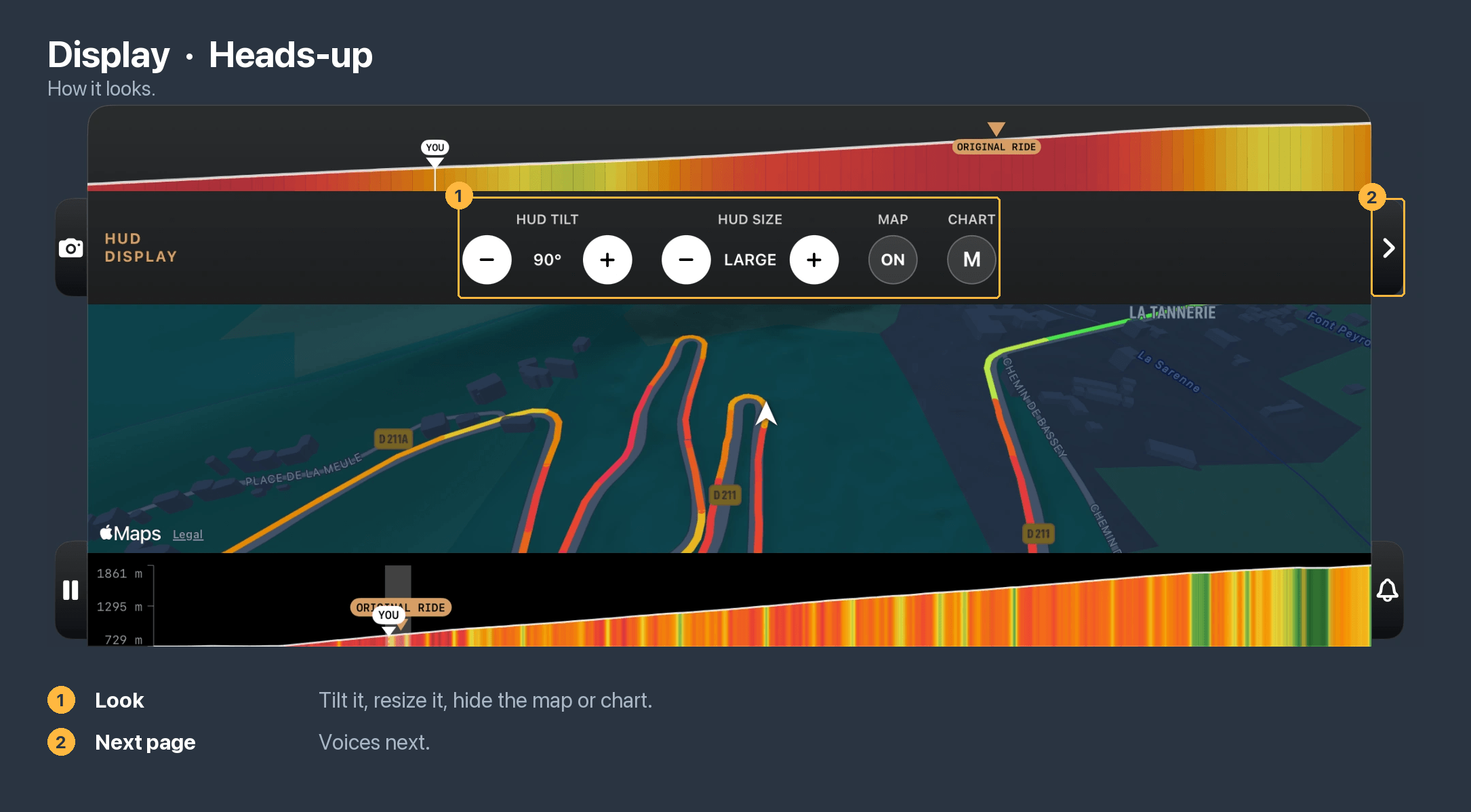
You can customise which options are displayed and also the HUD sizing and tilt angle. It is not possible to reposition or customise the actual data fields (this may be a feature in the future if there is demand for it). All of your HUD settings are saved to your account and synced to all devices you have Vieta installed on.
The HUD options are accessed by tapping the ">" button on the right side of the HUD.
Display the map and elevation, plus HUD sizing and tilt angle:
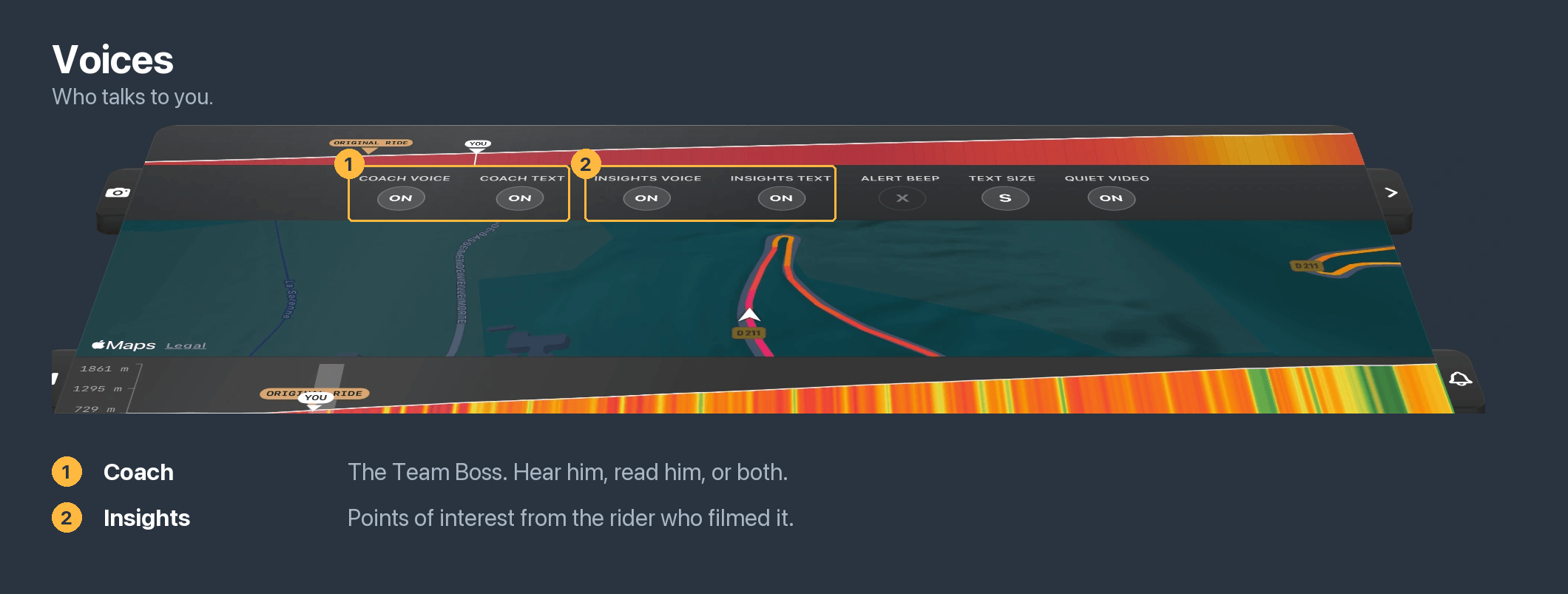
Team Boss and Points of Interest audio:
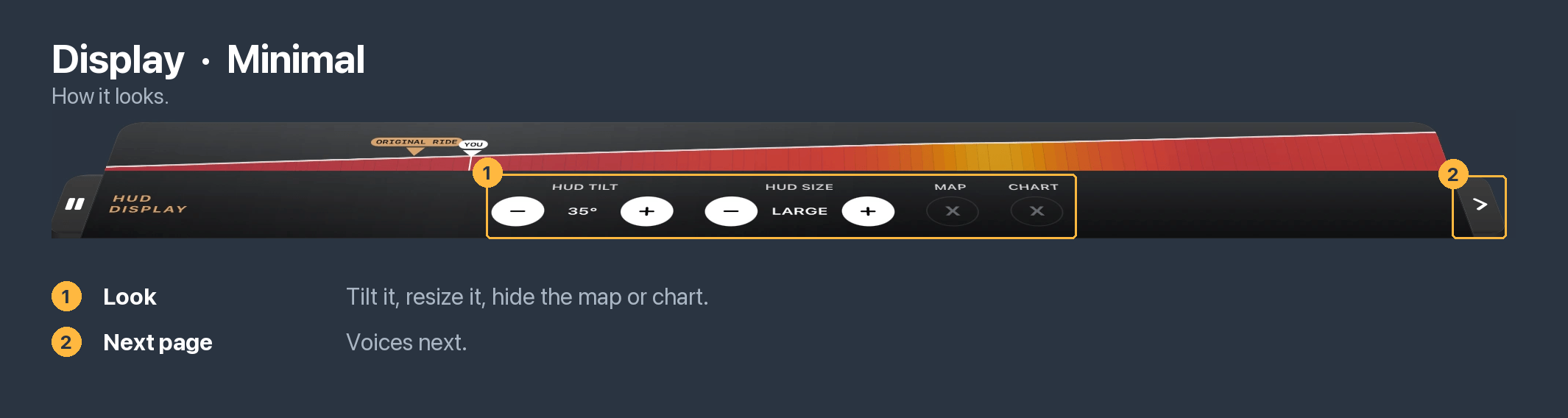
Minimal HUD display (no map or elevation profile):
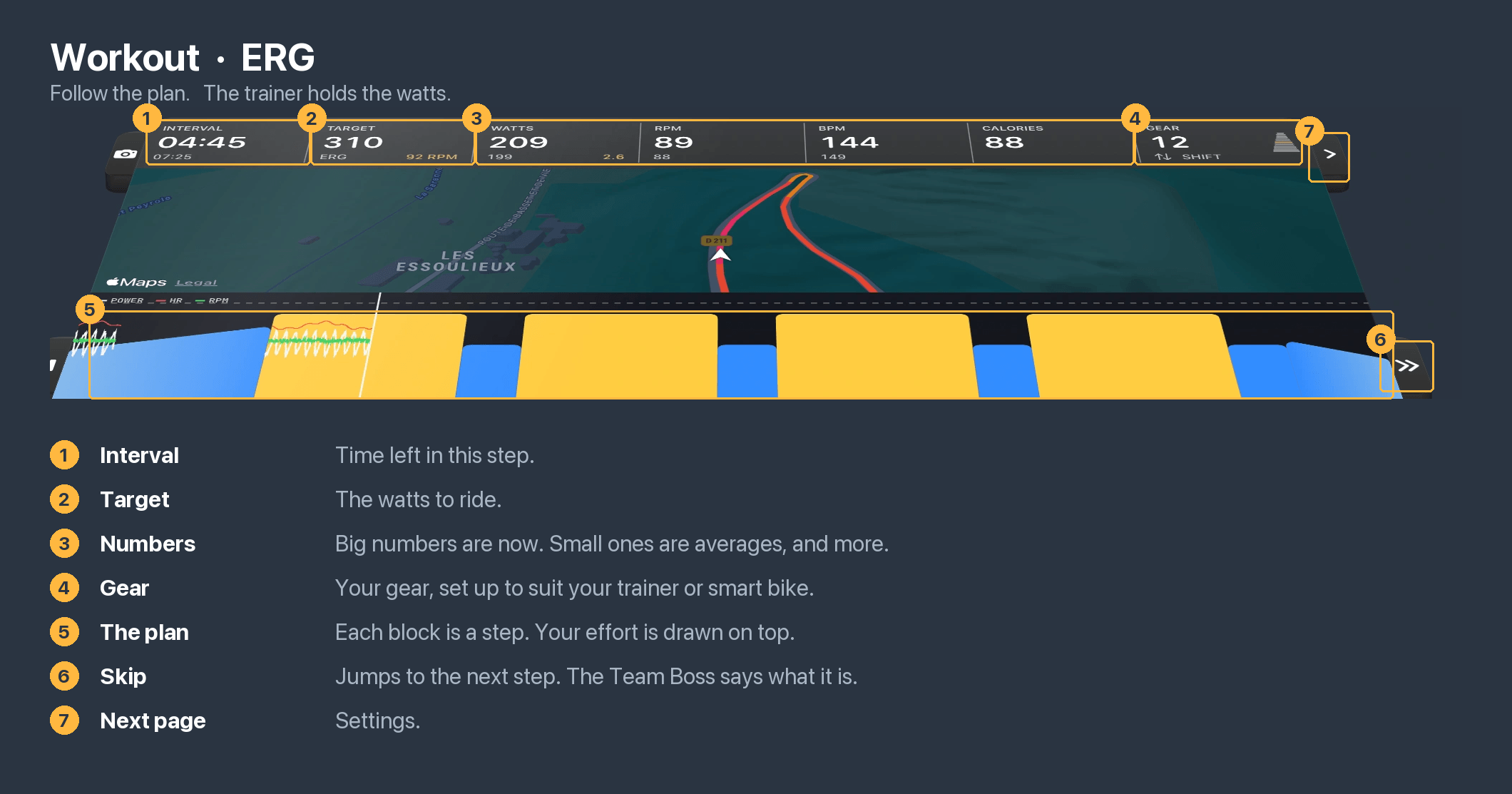
If you have added an interval workout, there will be additional HUD options where you can switch between workout ride modes. The HUD will also be stripped of non-essential information, showing only your workout data (interval target power, time to go, etc).
Workout mode HUD data display:
Workout settings (FTP adjust, ride mode, etc):