By default, Vieta is set up to give you the most realistic ride experience possible. Unfortunately in many cases (and when compared to the more animated options) this "more realistic" feel tends to equal "feels harder" than other virtual rides.
The first step is to double-check your Rider Weight (note imperial or metric) in Vieta settings.
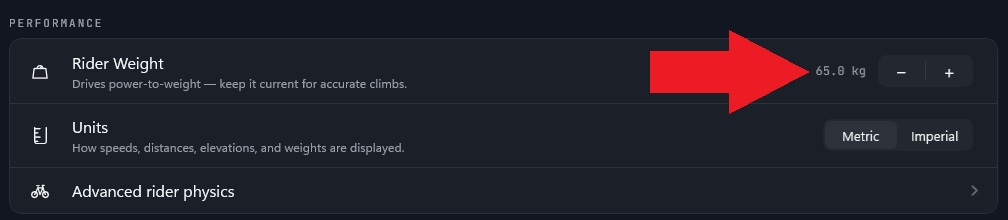
Getting this correct is important, as it affects your power-to-weight on the climbs and is also used in the overall rider speed physics modelling.
Adjusting the feel of climbs and descents:
If the climbs still feel too hard (or too easy) you can further fine tune the feel using the Realism Level settings. The default 100% settings are full realism, but the resistance feel can vary with different trainer brands and models.

Climb Realism Level: If the uphills feels too hard, reduce this percentage. Reducing to 50% will mean that an 8% gradient will be reproduced at 5% instead (half realism). You can think of this as being similar to moving from a 28T rear cassette to a larger cassette.
If the climbs are feeling a bit too easy, you can set your Climb Realism Level above 100% to increase resistance.
Descent Realism Level: If you find that you are "spinning out" on the downhills, you can decrease this percentage. For example setting Descent Realism to 50% means that an 8% downhill slope will only feel like 4%. You can also think of this like putting a bigger front chainring on! You will be able to keep pedalling even on steeper downhills.