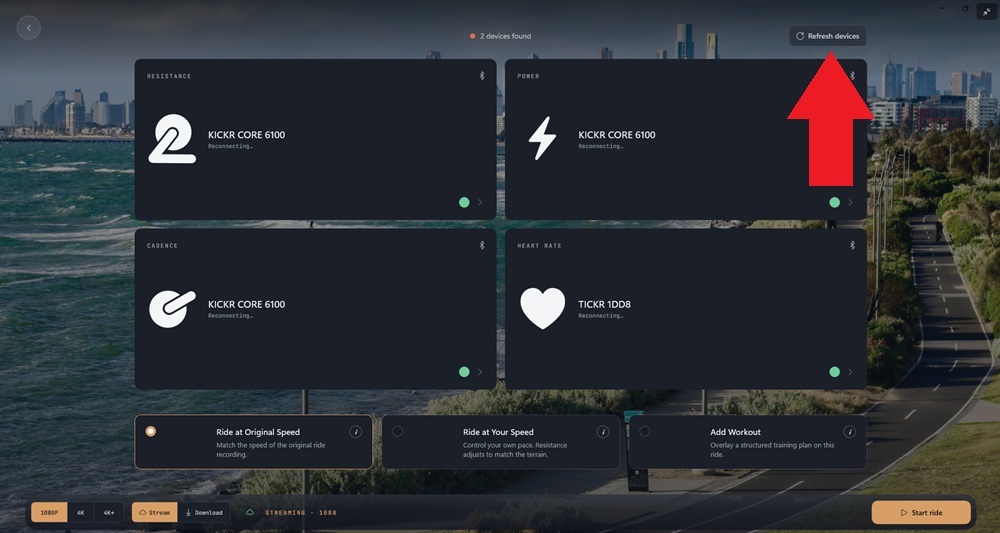
If your trainer or sensors are not being detected on the connections screen, please try the following troubleshooting steps:
- Give both your trainer and Vieta device a reboot (power off completely, on again)
- Ensure no other apps or devices are connecting to your trainer at the same time as Vieta
- Ensure Bluetooth is switched on
- In your device's Bluetooth settings, ensure Vieta has permission to use Bluetooth
- Check that your trainer is broadcasting via Bluetooth
- On the Vieta device connection screen, select the Refresh Devices button