During your rides and workouts, the Vieta Team Boss will sometimes communicate with you over team radio. They are there to offer advice, provide course information, and help you hit your training targets!
You can configure the Team Boss settings in Settings -> Display & Media -> Team Boss
Here you can enable/disable the Team Boss comments, select whether comments are spoken or just on-screen text, and select a male or female Team Boss.
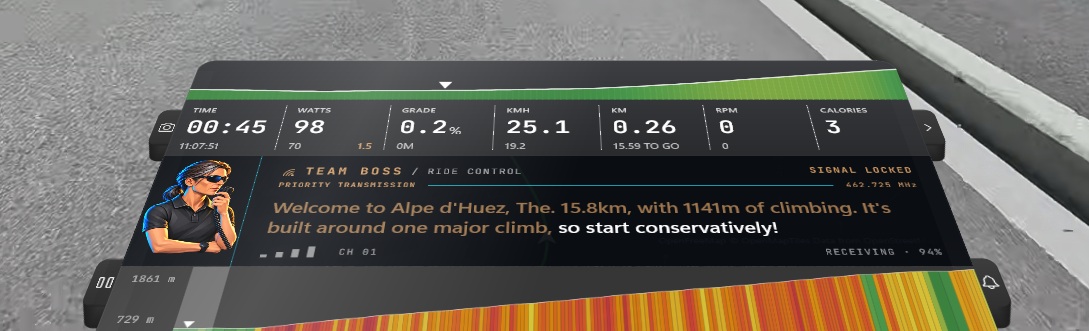
If you have the map disabled, your Team Boss comments will appear to the side of the screen.