Vieta has a selection of 250+ workouts, but you can also add your own custom workouts by uploading the ZWO file:
- Download your workout in ZWO format (or create one using ZWO Factory)
- Log into your account on the Vieta Website
- Under the TRAINING heading, select My Workouts
- Select the UPLOAD ZWO button and upload your workout file
- Add a name and description, then ADD TO MY WORKOUTS to save your session
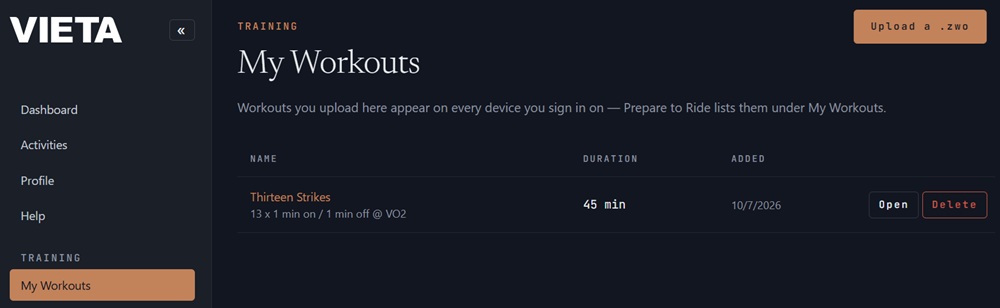
All the workouts you upload will appear in-app on every device you sign in on under the My Workouts option.
NOTE: Vieta is not able to sync in your TrainingPeaks workouts.